The This1 Kids promise
Most "free" kids' games make their money by interrupting your kid. This one never will. It's free forever and earns nothing, so there's nothing to sell them.
No ads. Ever.
No banners, no videos, no "watch this to continue".
No purchases. Ever.
Nothing to buy, unlock or subscribe to. No surprise charges.
No tracking
No accounts, cookies, analytics or data collection of any kind.
No way out
No links, pop-ups or menus a toddler can tap into. It just plays.
Works offline
Install it once and it plays with no internet: car rides, flights, anywhere.
Enforced, not just promised: every page comes with a browser security rule that blocks anything from outside This1 Kids from loading. Ad networks and trackers can't run here, not even by accident.
The games
Made for ages 2 and up. No reading, no rules, no losing. Every tap does something funny.
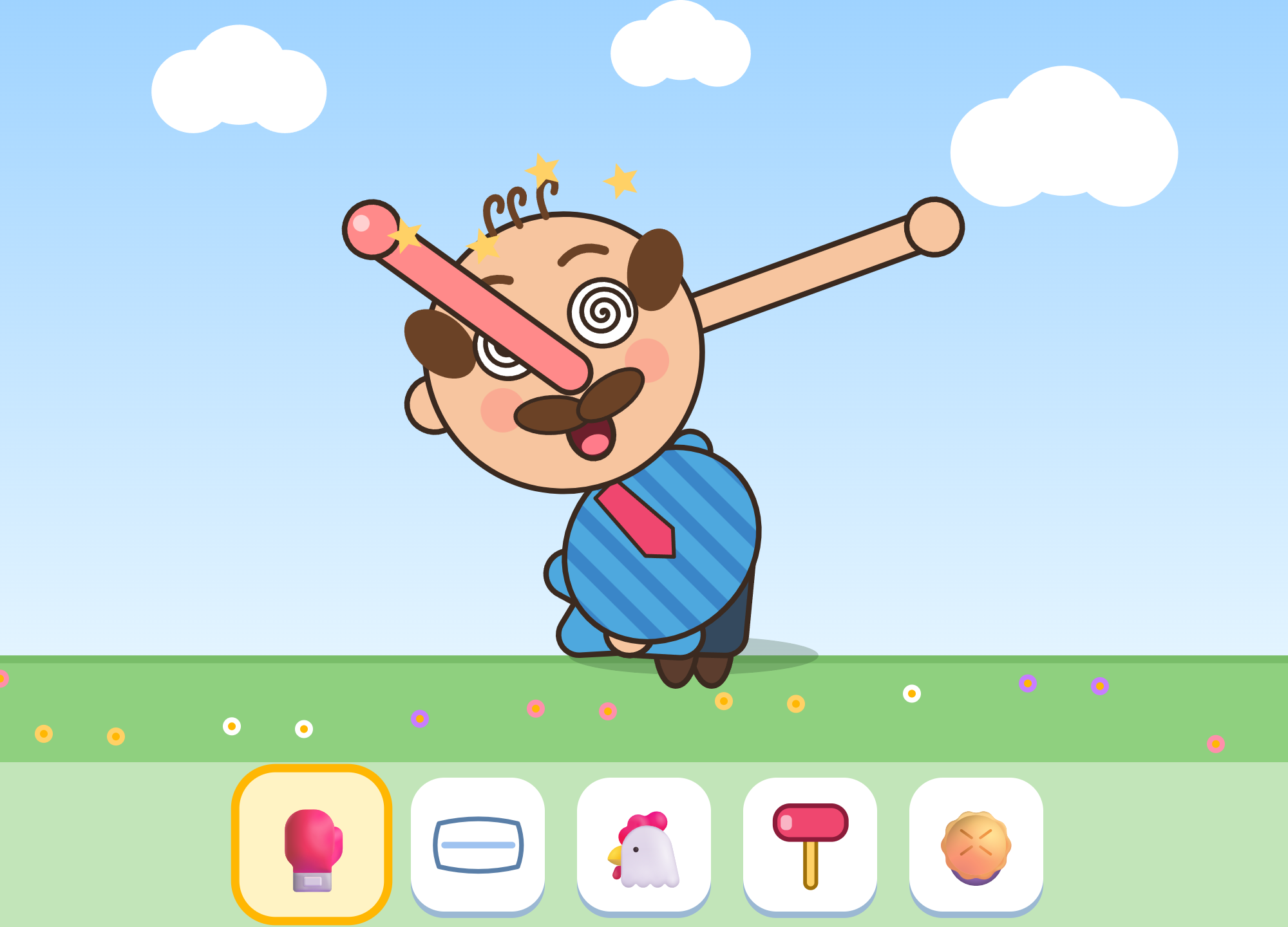
Bonk Buddy
Punch, pie and pillow-fight a floppy cartoon uncle. He tumbles, flops in a dizzy heap, and always pops back up for more. Grab his nose, ears, tongue, arms or legs and stretch them like taffy.
Ages 2+Works offline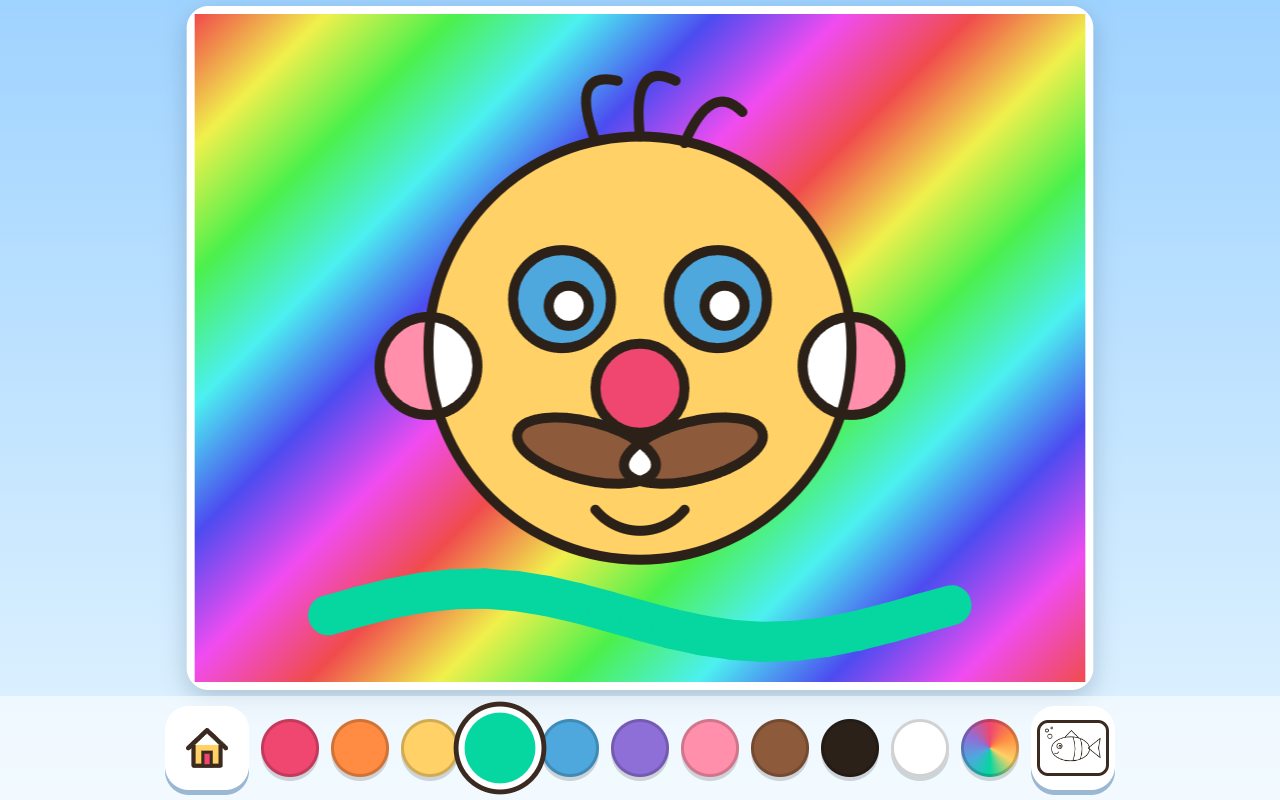
Coloring
Tap a shape to fill it with color, or drag a finger to paint. There are no tools to switch between. Six pictures and a blank page, with 10 colors, a rainbow crayon, and outlines that always stay neat.
Ages 2+Works offlinePut it on a tablet
This1 Kids installs straight from this website. There's no app store and no account. Open this1kids.app on the tablet, then:
Android (Chrome)
- Tap the ⋮ menu
- Tap Install app (or Add to Home screen)
Amazon Fire (Silk)
- Tap the ⋮ menu
- Tap Add to Home Screen
iPad / iPhone (Safari)
- Tap the Share button
- Tap Add to Home Screen
Open it once while on Wi-Fi. After that it works with no internet, and updates arrive on their own.
Keep little fingers in the game
Tablets have a built-in lock that keeps one app on screen until you enter your PIN. Set it up once and your toddler can't swipe their way into your email.
Android & Fire: Screen Pinning
- Settings → Security (Fire: Security & Privacy) → App / Screen pinning → On, with Ask for PIN before unpinning
- Open This1 Kids, open Recents, tap its icon → Pin
- To exit: hold Back + Recents, then enter your PIN
iPad / iPhone: Guided Access
- Settings → Accessibility → Guided Access → On, and set a passcode
- Open This1 Kids and triple-click the side (or Home) button → Start
- To exit: triple-click again and enter your passcode
Privacy, in plain words
We don't collect anything. No accounts, no names, no cookies, no analytics, no advertising IDs, and no code from any other company. Nothing your child does in the games leaves the device.
Children's privacy. This1 Kids is made for young children, and because it collects no personal information from anyone, there's nothing to store, share or sell.
The one thing every website has: our host, Cloudflare, briefly handles standard connection details (like IP addresses) so it can deliver the site and protect it from attacks. We don't use that to identify anyone, and we don't have ads or trackers that could.
Last updated September 23, 2026.